
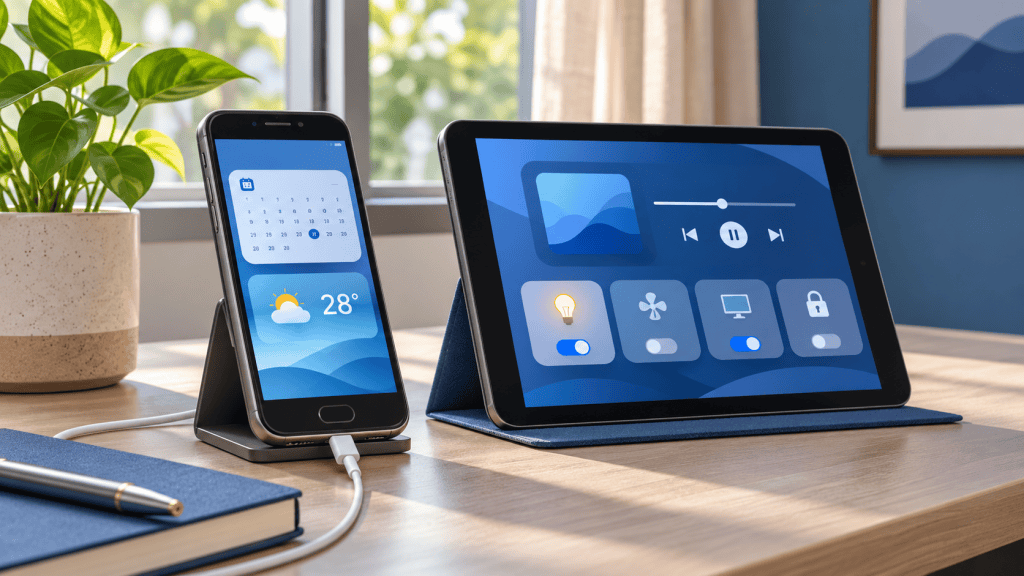
What can you do with an old phone or tablet? You can give it a useful second life as a home dashboard, computer remote, media player, travel device, recipe screen, digital photo frame or learning device. If the battery is swollen, the software is no longer safe, or the device cannot perform the job reliably, selling it for responsible reuse may be the better choice.
India also has a growing drawer economy: working or obsolete phones that remain at home because owners are unsure whether to reuse, sell or dispose of them. In a published New Delhi study, 46.5% of respondents said they kept obsolete mobile phones stored at home. The practical answer is not to keep every device forever: reuse it when it is safe and useful, then sell or responsibly hand it on when it is no longer serving a purpose. Read the New Delhi e-waste storage study.
The depreciation trap
A three-year-old flagship can still be worth substantially more than a basic dedicated smart display or speaker. Before turning a valuable iPhone or Galaxy phone into a kitchen clock, check its current resale value. If it could still sell for ₹15,000 or more, selling it and buying a lower-cost device for the single-purpose job may be better personal finance. The right decision depends on the actual quote, condition, repair risk and how often you will use the old device.
Quick answer: the best ways to reuse an old device
- Smart home: Mount an old phone or tablet as a dashboard for calendars, weather, reminders and compatible smart-home controls.
- Media and travel: Use it as a dedicated offline music player, podcast device or travel-map screen to reduce battery use on your primary phone.
- Productivity: Repurpose it as a wireless computer trackpad, media remote, teleprompter, recipe screen or camera monitor.
- Family use: Turn it into a supervised learning device, digital photo frame or video-call screen.
- The Golden Rule: If the battery is degrading, the software is no longer secure or the resale value is still high, selling it for cash may be smarter than forcing a second use.
Before reusing an old phone or tablet
Start with a basic safety and privacy inspection. Do not continue using a device with a swollen battery, excessive heat, a damaged charging port or a cracked screen that exposes sharp glass. If the device is going to stay plugged in as a dashboard, place it on a stable surface with airflow and use a reliable charger.
| Check first | Why it matters |
|---|---|
| Battery and charging | A worn or swollen battery is a safety risk, especially when the device stays plugged in. |
| Software support | Outdated software may be unsuitable for banking, passwords, work accounts or sensitive data. |
| Wi-Fi and display | A dashboard or remote needs dependable connectivity, touch response and readable brightness. |
| Personal data | Back up the device, sign out of accounts and remove personal data before changing its purpose. |
Do not reuse a damaged battery
If the back panel is lifting, the battery is bulging, the device becomes unusually hot or charging is unstable, stop using it. Do not leave it permanently connected to power and do not put it in a drawer until you have arranged appropriate service or disposal.
1. Build a home dashboard
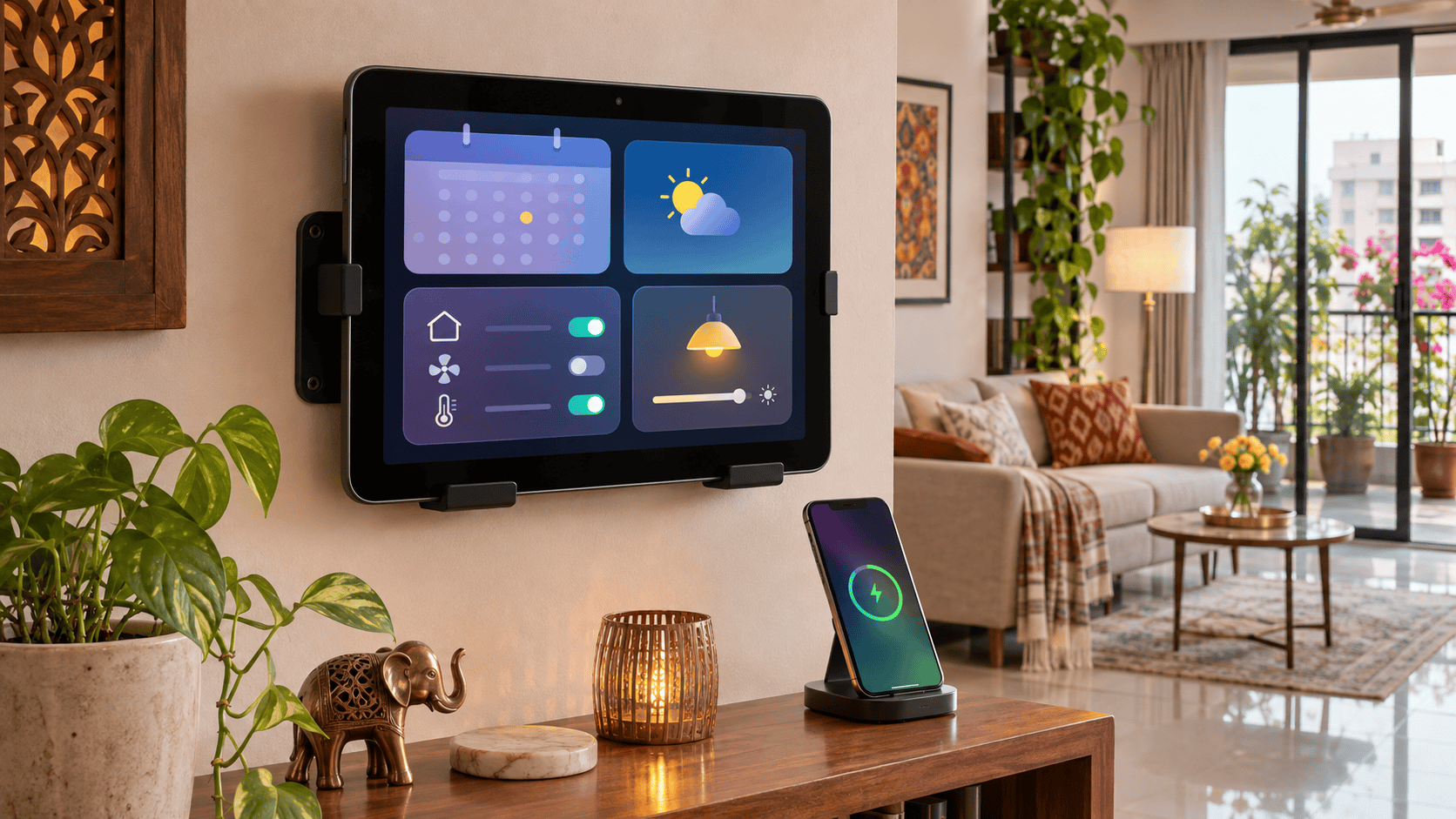
An old phone or tablet can become a glanceable screen for a calendar, weather, reminders, timers, shopping lists, music controls or smart-home status. A tablet is particularly useful in a kitchen, hallway or home office because the larger display is easier to read from a distance.
You can use a browser-based dashboard, a dedicated home-automation app or a simple collection of widgets. For an iPad-focused dashboard concept, DustyPad is one example of how an older iPad can be given a dedicated household role. Check the app’s current compatibility and privacy terms before installing it.
Build an Apple HomeView-style setup with an old iPad
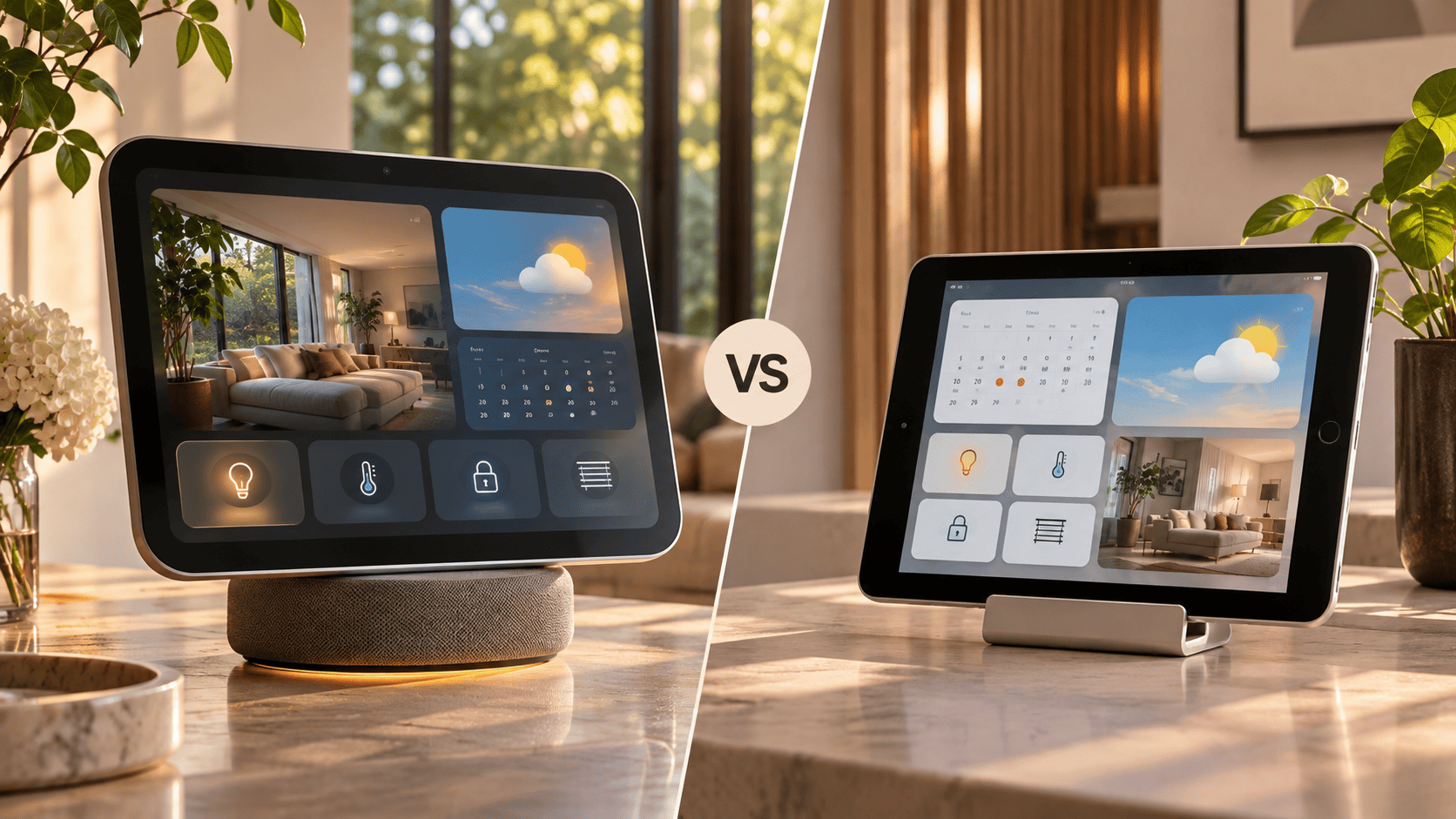
Apple HomeView launched in India at ₹39,900, combining a dedicated display with home controls and entertainment features. It is a complete new product, so an old iPad will not reproduce every HomeView feature, including its hardware, sensors, software support or integrated speaker. But if your main goal is a visible home dashboard, an older iPad can deliver a similar everyday use case for a fraction of the cost when you already own the tablet.
A basic DIY setup can use an old iPad, a stable stand or wall mount, a safe charger, Wi-Fi and the apps or browser dashboards that work with your home. You can show the calendar, weather, recipes, music controls and compatible smart-home devices without buying another premium screen.
| Option | What you get | Trade-off |
|---|---|---|
| Apple HomeView | New integrated smart-home display, speaker and Apple software experience. | ₹39,900 upfront and tied to the features Apple supports. |
| Old iPad DIY dashboard | A large screen for calendars, recipes, media and compatible home controls. | Depends on the iPad’s battery, iPadOS support, apps, mount and charger. |
Already have an iPad in a drawer?
Test its battery, Wi-Fi and current app support before spending on a new home display. If the tablet is no longer reliable, compare it with Budli’s iPad buying guide and check your phone’s instant cash value on Budli where appropriate.
2. How to use an old phone as a wireless PC mouse or trackpad
An old phone can work as a wireless PC mouse, trackpad, keyboard or media remote when it is paired with compatible desktop software. Unified Remote, for example, supports phone and tablet control for mouse, keyboard, media and other computer functions across major desktop platforms.
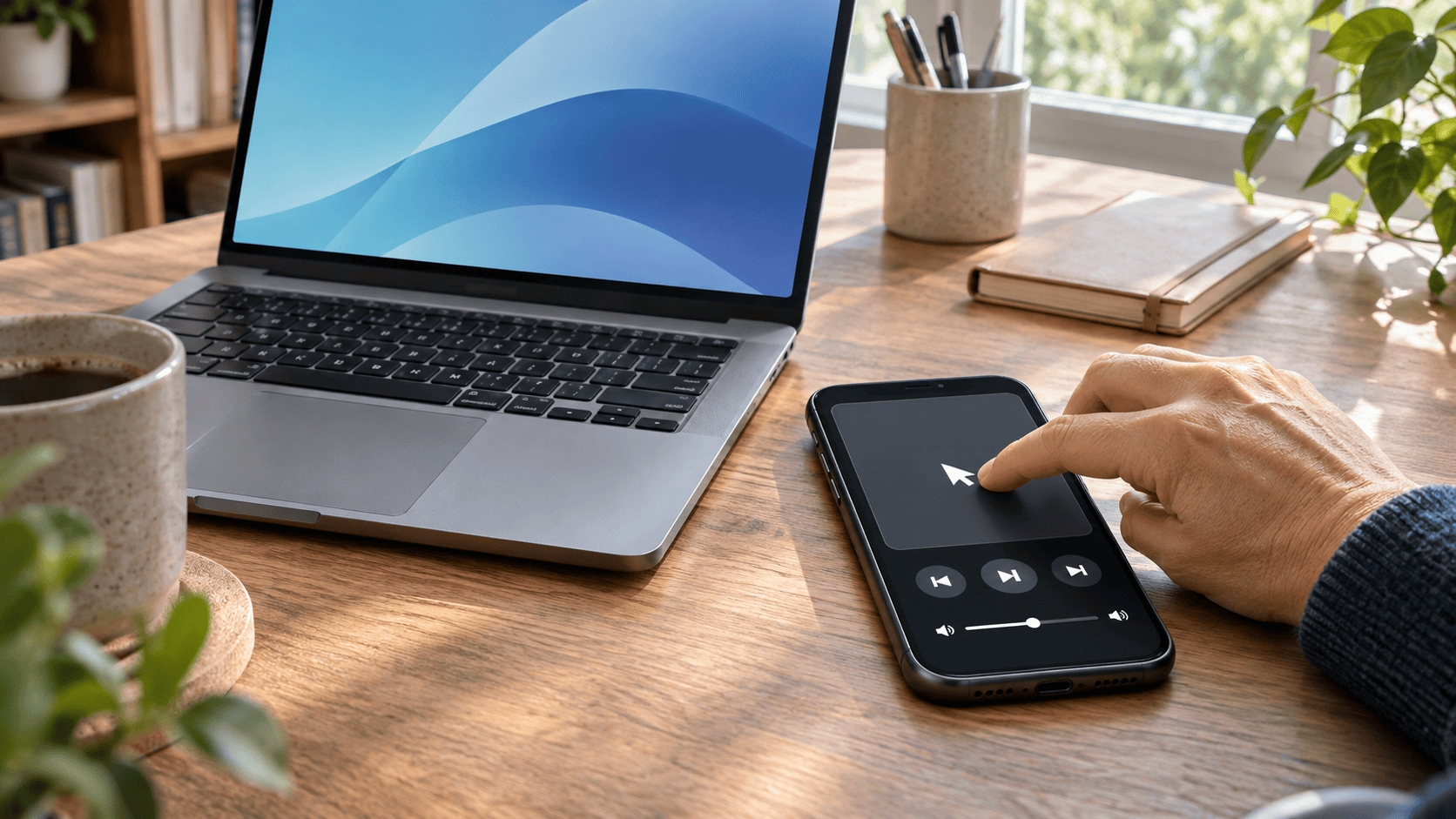
- Install the mobile app and the matching desktop server from the official source.
- Connect both devices to the same trusted network.
- Test mouse, keyboard and media controls before using the device for an important presentation.
- Use a screen lock and avoid controlling a computer over an untrusted public Wi-Fi network.
3. Create a dedicated music and podcast player
A spare device can stay connected to a speaker or headphones so your primary phone remains available for calls. Download playlists or podcasts for offline use, remove unnecessary apps and keep the device in a fixed charging location. This is useful for a kitchen, workshop, exercise room or shared family space.
Keep the account setup limited. If children will use the device, configure content controls and use a separate profile where the operating system supports it.
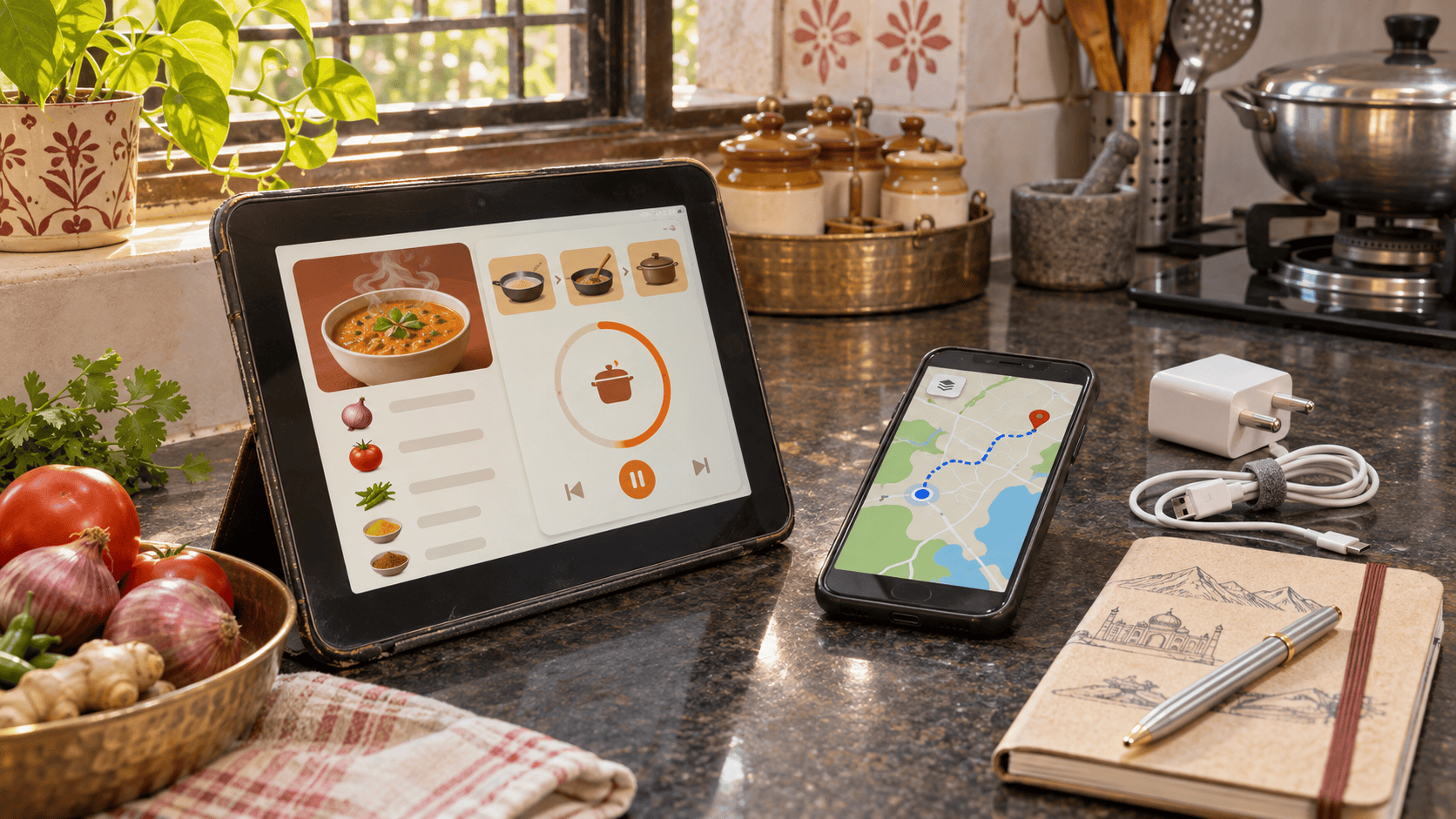
4. How to use an old tablet as a kitchen recipe screen
An old tablet can work as a kitchen recipe and timer screen when its display, battery and Wi-Fi are reliable. Use a stand that keeps the device away from steam, splashes, heat and food residue. A phone can work too, but the smaller display may be harder to read while cooking.
5. Make a digital photo frame
An old tablet can display a rotating album of family photos, travel memories or artwork. Before handing the device to another person or placing it in a public area, create a separate account or use a restricted photo album. Do not leave personal messages, email or cloud-drive access open on a shared screen.
6. Use an old phone as an offline travel and map device
An old phone can work as an offline travel and map device when you download maps, tickets, language packs, reading material, music and emergency contacts before the trip. It can handle navigation or entertainment while the main phone remains available for calls and payments.
- Download the relevant maps and check that offline navigation works.
- Carry a compatible cable or power bank.
- Keep emergency information accessible without relying on mobile data.
- Do not use an unsupported device for banking or storing sensitive travel documents unless the software remains secure.
7. Use it as a camera monitor or teleprompter
A spare phone or tablet can display a script, timer or camera preview when the hardware and app support the connection. This can help with video calls, product demonstrations, cooking videos or presentations. Test the connection, delay and battery life before recording anything important.
8. Set up a supervised learning device
An older device can be useful for downloaded lessons, reading, language practice, educational videos and basic creative apps. Keep the account separate from your main account, enable parental controls where appropriate and avoid storing payment details on a shared device.
9. Give it a single-purpose work role
A spare phone can serve as a dedicated timer, QR-code scanner, inventory viewer, video-call screen or meeting-room controller. Single-purpose use often works better than trying to make an old device perform every modern task.
For privacy, remove old accounts first and install only the apps required for the new role. If the device no longer receives security updates, keep it away from sensitive work systems.
When selling is the better second life
Reuse is not automatically better than selling. If the device has a healthy battery, reliable charging, usable software and a clear purpose, repurposing can extend its life. If it is sitting unused, overheating or too limited for the task, selling it may allow someone else to repair, reuse or recover value from it.
Before selling, follow Budli’s secure data-wipe and factory-reset guide so your accounts, photos and personal information are removed properly.
Budli has supported device recommerce in India since 2015. If a phone is still valuable but no longer useful to you, a verified cash quote can be more practical than leaving it unused until battery wear reduces its value.
Reuse or sell? Use this simple test
Reuse it when the device is safe, reliable and useful for a defined job. Sell it when it is unused, difficult to secure, expensive to repair or no longer suitable for your needs. Before selling, back up your data, sign out of accounts, remove locks and factory-reset the device.
Have an old phone you no longer need?
sell your old phone on Budli before leaving it unused. A working device may be more valuable to another user than it is in a drawer.
What if you want to buy a device specifically for reuse?
Choose the device for the job rather than the lowest price. For phones, compare battery condition, software support, storage and connectivity in Budli’s refurbished phone buying guide. For iPads, review the iPad buying guide and browse Budli’s certified refurbished iPads.
If the purpose is photo backup, the original Pixel and Pixel XL have a specialised Google Photos use case, explained in Budli’s Google Pixel XL storage guide. Verify the current Google policy and the exact device condition before buying.
Frequently asked questions
What is the best use for an old phone?
The best use depends on the device. A phone with a good screen and Wi-Fi can work as a remote, music player, travel device or dashboard. A larger tablet is usually better for recipes, calendars, photo frames and smart-home controls.
Can I use an old iPad as a home dashboard?
Yes, if it can run a compatible browser or dashboard app, connect reliably to Wi-Fi and remain safe while charging. Check battery condition, airflow and the privacy settings of the dashboard service.
Can an old phone be used as a computer remote?
Yes. Apps such as Unified Remote can provide mouse, keyboard and media controls when the phone and computer are configured correctly. Use a trusted network and protect the phone with a screen lock.
Is it safe to leave an old phone plugged in all the time?
Only when the battery and charger are in good condition, the device has airflow and the manufacturer or app setup does not create excessive heat. Stop using it if the battery swells, the phone becomes unusually hot or charging becomes unstable.
How can I use my old phone as a CCTV or home-monitoring camera?
An old phone can work as a temporary home-monitoring camera only with a compatible app, stable power, a secure account and a private network. Use it only where everyone affected has consent; never use an old phone as a hidden camera. Check heat, battery condition, encryption, password settings and whether the app still receives security updates.
Does keeping an old phone plugged in all day damage the battery?
Constant power is not automatically unsafe, but an aged or damaged lithium-ion battery can overheat or swell, and heat accelerates battery wear. Use a reliable charger, keep airflow around the device, avoid direct sunlight and stop using it if the back panel lifts or charging becomes unstable.
Should I reuse or sell my old phone?
Reuse it when it is safe and useful for a defined purpose. Sell it when it is unused, insecure, damaged or too limited for the task. Always remove your accounts and factory-reset it before handing it over.
Useful references: Apple HomeView availability and pricing, DustyPad for an iPad dashboard example, Unified Remote for computer control and the New Delhi e-waste storage study. App features, compatibility and policies can change, so verify the current requirements before setup.